Managing finances is a crucial aspect of running a small business.
QuickBooks Online offers a powerful solution to streamline this process, helping small business owners maintain control over their finances and make informed decisions.
Section 1: Getting Started
QuickBooks Online simplifies the setup process. It’s user-friendly and doesn’t require extensive accounting knowledge. Sign up, input your business details, and you’re good to go.
Section 2: Tracking Income and Expenses
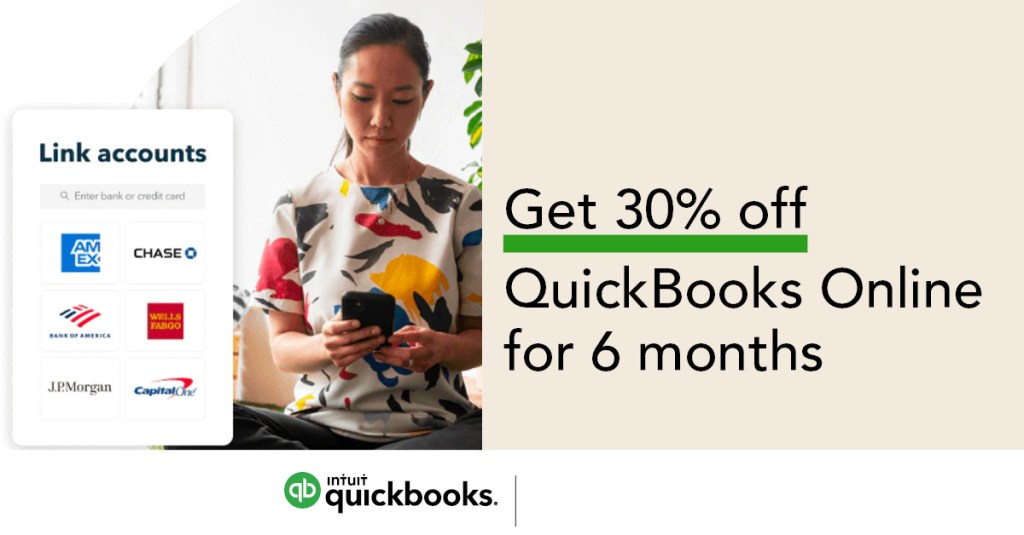
One of the core functions of QuickBooks Online is tracking your income and expenses. Connect your bank and credit card accounts to automatically categorize transactions, saving you time and ensuring accuracy.
Section 3: Invoicing and Payment Processing
QuickBooks Online makes invoicing a breeze. Create professional invoices, send them directly from the platform, and even allow your clients to pay online. It’s a game-changer for cash flow management.
Section 4: Managing Payroll
Small business owners often struggle with payroll management. QuickBooks Online offers payroll features that automate calculations, tax filings, and direct deposits, reducing the headaches associated with paying employees.
Section 5: Generating Reports
QuickBooks Online provides various reporting tools that give you insights into your business’s financial health. Profit and loss statements, balance sheets, and customizable reports help you make informed decisions.
Section 6: Tax Preparation
As tax season approaches, QuickBooks Online can help you get organized. It tracks your expenses and income throughout the year, making it much easier to prepare and file your taxes accurately.
Section 7: Integrations and Add-Ons
QuickBooks Online isn’t limited to just financial management. It offers a range of integrations and add-ons, allowing you to tailor the platform to your specific needs, from e-commerce to time tracking.
Section 8: Collaboration and User Access
If you have a team working on your finances, QuickBooks Online enables multiple users to collaborate, each with their own level of access and permissions.
Section 9: Mobile Access
Running a small business is often on-the-go. QuickBooks Online’s mobile app ensures you can manage your finances from anywhere, keeping you connected and in control.
Section 10: Data Security
Security is paramount when dealing with financial data. QuickBooks Online offers robust security features to protect your information and privacy.
Section 11: Pricing and Plans
QuickBooks Online offers various pricing plans, allowing you to choose the one that suits your business size and needs. It’s a scalable solution that grows with you.
Conclusion
QuickBooks Online is a valuable tool for small business owners. With its intuitive interface, efficient financial tracking, invoicing capabilities, and payroll management, it simplifies many aspects of financial management.
By using QuickBooks Online, you can gain a better understanding of your business’s financial health, reduce errors, and save valuable time that can be better spent on growing your business. Whether you’re a sole proprietor or have a small team, QuickBooks Online is a powerful ally in managing your business finances. Start your journey with QuickBooks Online today, and enjoy the benefits of streamlined financial management.
 Dorotea Tuzon
Leave a comment